
Why Landlords Should Invest in Smart Security Cameras
Protecting your property doesn’t stop at locks and lights.
Modern security camera systems can help you monitor activity, prevent theft, and document incidents, all while respecting tenant privacy.
A reliable camera setup can:
- Deter trespassers and package theft
- Document maintenance issues or damage
- Improve tenant confidence and retention
- Lower insurance premiums for landlords
Download: Landlord Security Setup Checklist (PDF)
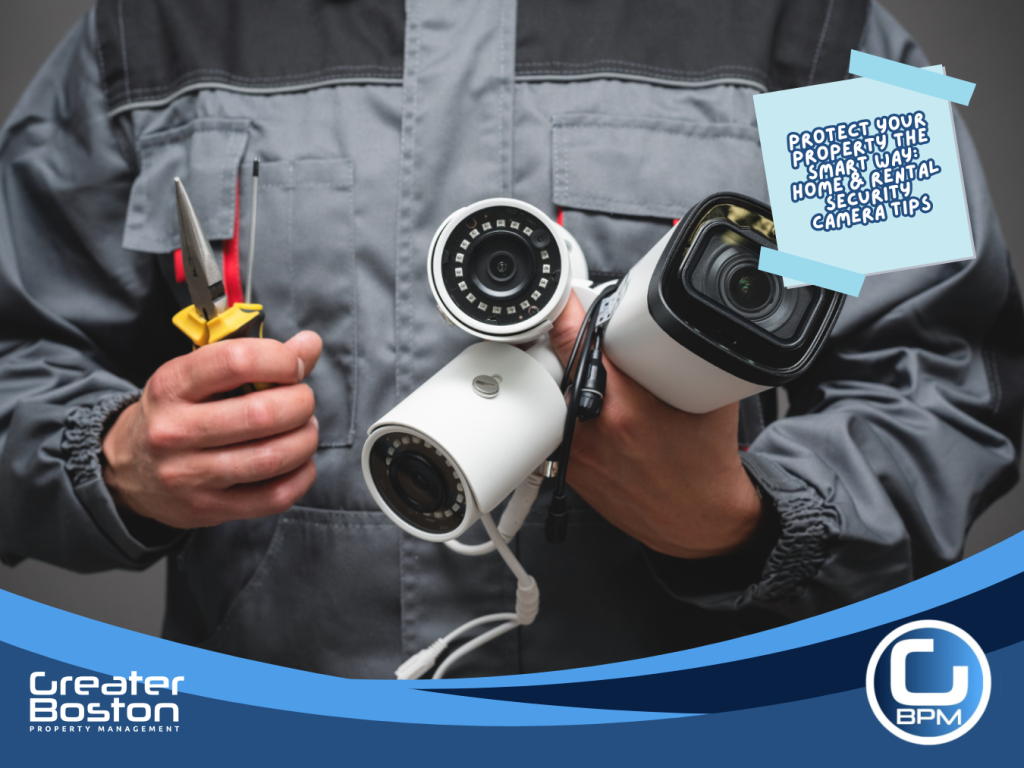
1. Choose the Right Type of Security Camera System
Before you buy, understand your property’s layout and surveillance needs.
Indoor Cameras (For Common Areas Only)
✅ Ideal for shared spaces (lobbies, entryways, laundry rooms).
❌ Not allowed inside private tenant units (privacy laws apply).
Outdoor Cameras
✅ Place near entrances, driveways, and parking areas.
✅ Use weatherproof cameras with night vision and motion detection.
Recommended Products:
Watch: How to Install Outdoor Security Cameras Correctly
2. Understand Privacy Laws & Tenant Rights
Always follow local privacy regulations before installing cameras.
In Massachusetts (and most U.S. states):
- Cameras cannot be installed inside occupied rental units.
- You can install them in public or shared areas (hallways, parking lots, entrances).
- You must disclose any active surveillance to tenants in writing.
- Avoid recording audio, this may violate wiretapping laws.
Download: Tenant Privacy & Surveillance Disclosure Template (PDF)
Related: Landlord Safety Inspection Checklist
3. Install Cameras Strategically for Maximum Coverage
Poor placement is the #1 reason landlords waste money on security systems.
Best Practice Tips:
- Position cameras 8–10 feet high for wide-angle coverage.
- Avoid direct sunlight glare and reflective surfaces.
- Use smart cameras with cloud storage and remote monitoring.
- Label cameras visibly, deterrence alone prevents up to 60% of property crime.
Watch: Best Security Camera Placement for Rentals
Recommended Tools:
4. Store & Access Footage Safely
Choose between local storage (SD card) or cloud-based recording depending on your comfort level:
|
Storage Type |
Pros |
Cons |
|
Local (SD/NVR) |
Full control, no subscription fees |
Risk of theft/damage |
|
Cloud |
Easy access, off-site backup |
Requires Wi-Fi & monthly cost |
Pro Tip: Always use password-protected networks and two-factor authentication to secure video feeds.
Download: Camera Maintenance & Storage Checklist (PDF)
Related Blog: Energy Efficiency Upgrades for Rentals
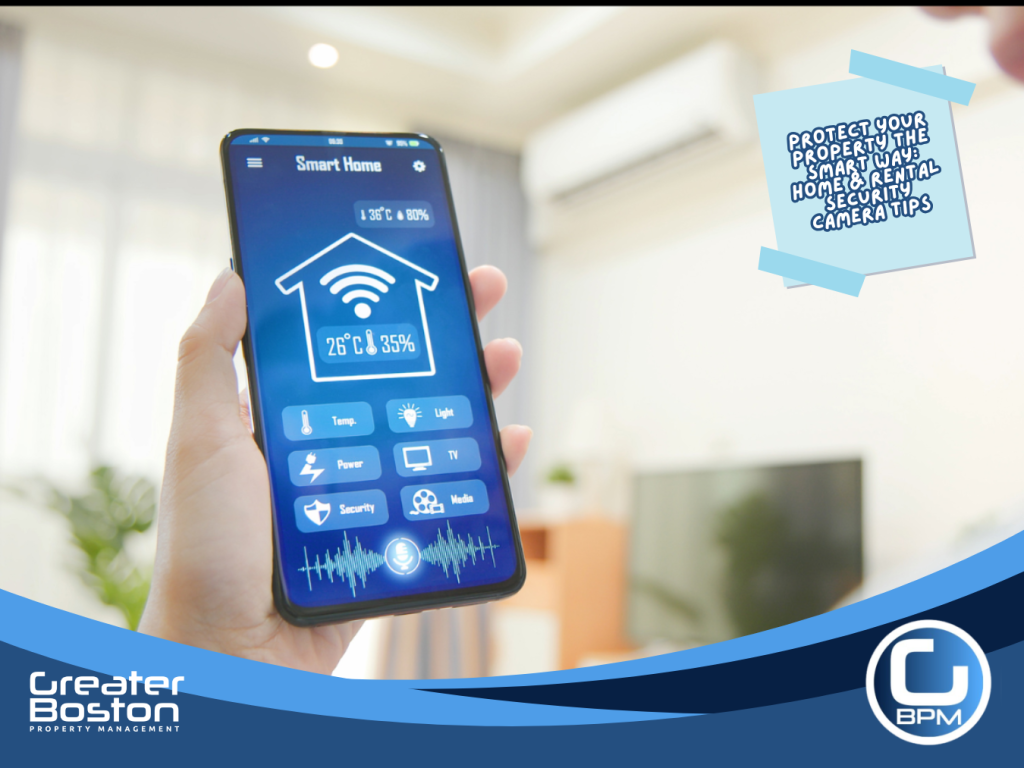
5. Build a Full Smart Home Security Ecosystem
Go beyond cameras, integrate your system for smarter management.
Add-ons for Landlords:
- Smart door locks with temporary codes for contractors
- Motion-activated lighting for entryways
- Smart doorbells for package deliveries
- Cloud-based property access logs
Recommended Devices:
Watch:Ultimate Guide to Starting and Growing a Smart Home!
Download: Smart Home Integration Starter Kit (PDF)
Landlord Pro Tips
✅ Disclose security camera locations to tenants in lease agreements.
✅ Regularly check battery levels and firmware updates.
✅ Label and organize camera feeds for faster review.
✅ Include security system info in your Property Maintenance Log.
Download: Property Maintenance Log Template (Excel)
Related Resource: Fall Property Inspection Checklist for Landlords
Legal Disclaimer
This content is for informational purposes only and does not constitute legal advice. Landlords should consult a qualified attorney regarding state-specific privacy laws before installing security equipment on rental properties.